For guests
Order and pay like it's 2026.
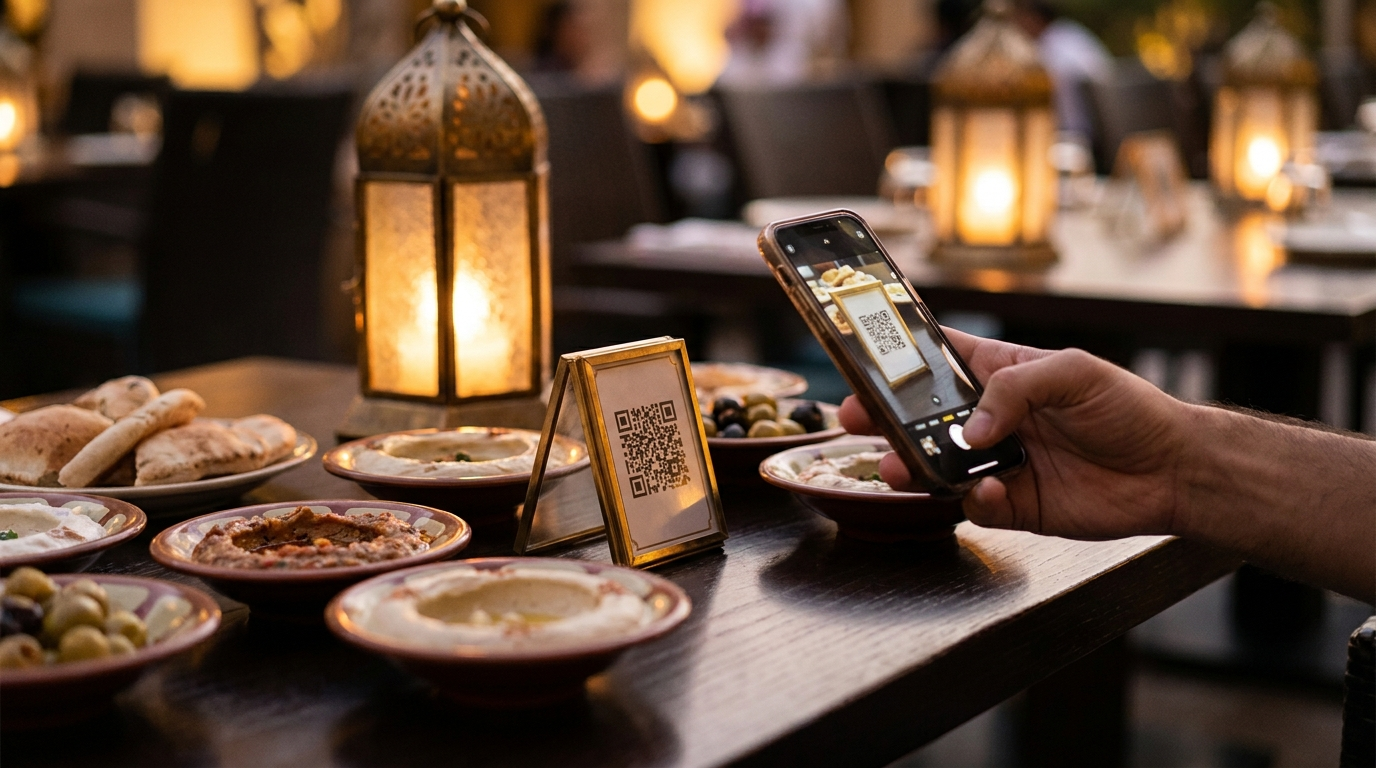
- Instant photo menu — scan with the camera, no app, Arabic or English, six seconds flat.
- Order from the table — with notes to the kitchen ("sokkar ziyada"), no waiter round-trips.
- Split the bill your way — pay just the items you ordered, split equally, or by a custom amount — each person from their own phone. Add a friend by their number, or send a WhatsApp invite to anyone not on Aada yet.
- Pay any way — Visa, Mastercard, Meeza, Apple Pay, Google Pay, or plain cash to the waiter.
- Item rewards — make any item ‘buy N, get 1 free’. Guests sign in by mobile, and once they’ve earned it they choose when to cash in — one tap strikes the free one off their own bill.
- Reserve a table — pick the branch, then book ahead by date, time and party size, choose indoors or outdoors, and secure big groups with a quick deposit.
- Order ahead, skip the line — order on the way and pick it up ready, or scan at the counter — no queue, no waiting.
For the floor
Waiters who serve, not transcribe.
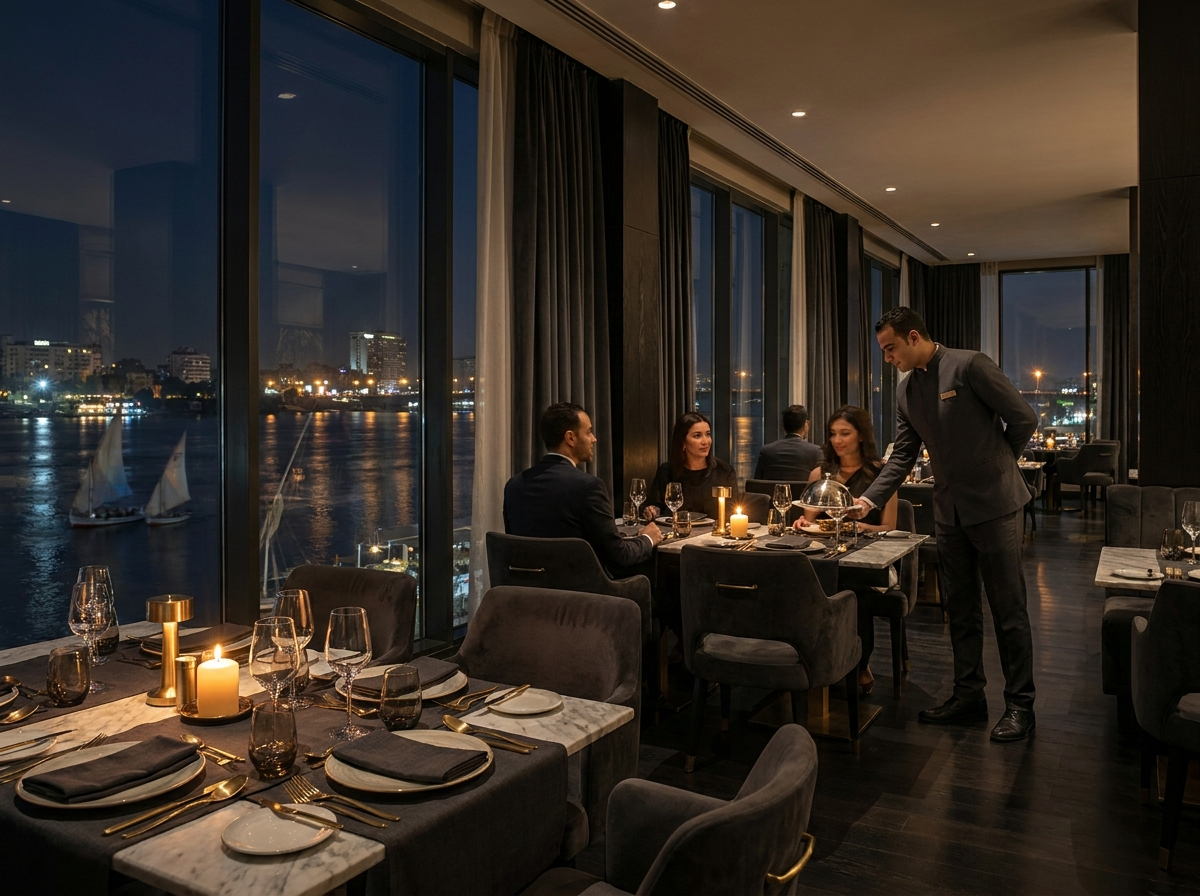
- Live order board — new orders land instantly with table number, items and notes; advance them from new → preparing → served.
- Waiter call button — guests tap a bell instead of waving; the floor sees which table needs what.
- Cash confirmation — guest says cash, waiter collects and confirms in one tap; the bill closes itself.
- Digital tips — percentage chips at checkout, routed transparently to the team.
- Printable QR cards — one per table, generated and printed from the dashboard.
- Reservations board — a day view of every booking with party size, area and table; seat a guest, mark a no-show or cancel in one tap.
- Block out days & sync your calendar — close a holiday or a private event for a branch in one tap, or subscribe to a Google, Outlook or Apple calendar (.ics) so booked-out times block themselves. Guests only ever see slots that are truly open.
- New-arrival & late-order alerts — see a table the moment a guest scans, and get nudged before an order waits too long.
For the back office
Every pound, accounted for.
- Menu you control live — turn an item off in one tap, change prices instantly, add options & modifiers (sizes, extras), and let names auto-translate between Arabic and English as you type.
- Menu Studio — snap a dish on your phone; get a relit, polished, menu-ready photo for your QR menu, delivery apps and social. First 10 photos free.
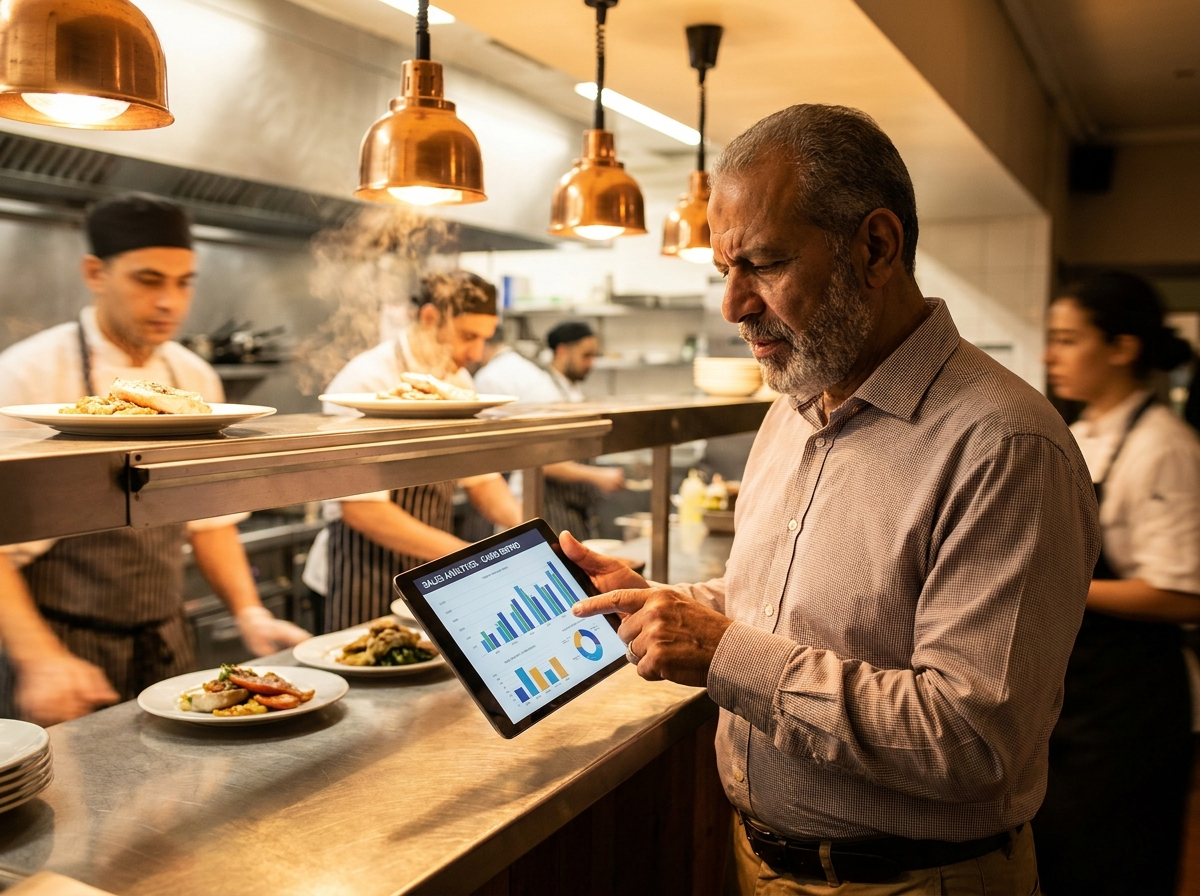
- Revenue dashboard — today's takings, tips, transaction count, 7-day trend and top sellers.
- One all-inclusive rate — 5.9% + EGP 4 per digital payment (min EGP 5), card processing included, no monthly fee. Already on Fawry? Just 3.15%.
- Service charge engine — set your 12–14% once; every bill computes itself correctly.
- Settled to your own bank — your share of every payment lands in your bank account on the standard cycle. Add your IBAN or bank letter any time in Settings.
- Your team, your rules — invite staff and choose exactly what each one sees: a manager, a marketing hand for the menu, a branch manager scoped to one branch, a CFO for the numbers only.
- Service style per branch — set each branch to self-serve counter, full dine-in, or both. Aada creates and labels the right QR codes for you, and greys out the ones a branch stops using when it switches — Branches and QR codes now live on one page.
- Keep the POS you already run — connect Foodics, Syrve, Odoo, Sapaad, Deliverect or Grubtech, and route dine-in, self-serve and pickup orders each to the right system. Aada sits on top; it never replaces it.
- Rent vs revenue-share planner — model a fixed rent against a revenue-share lease for each branch, from your real sales and your floor size, so you sign from numbers, not a hunch.